

How It Works
Audiobook Apps: What Each One Costs and How It Lends or Sells
Audiobook apps: what each one charges, whether it sells titles or lends them, which devices it runs on, and what stays with you after you stop paying.
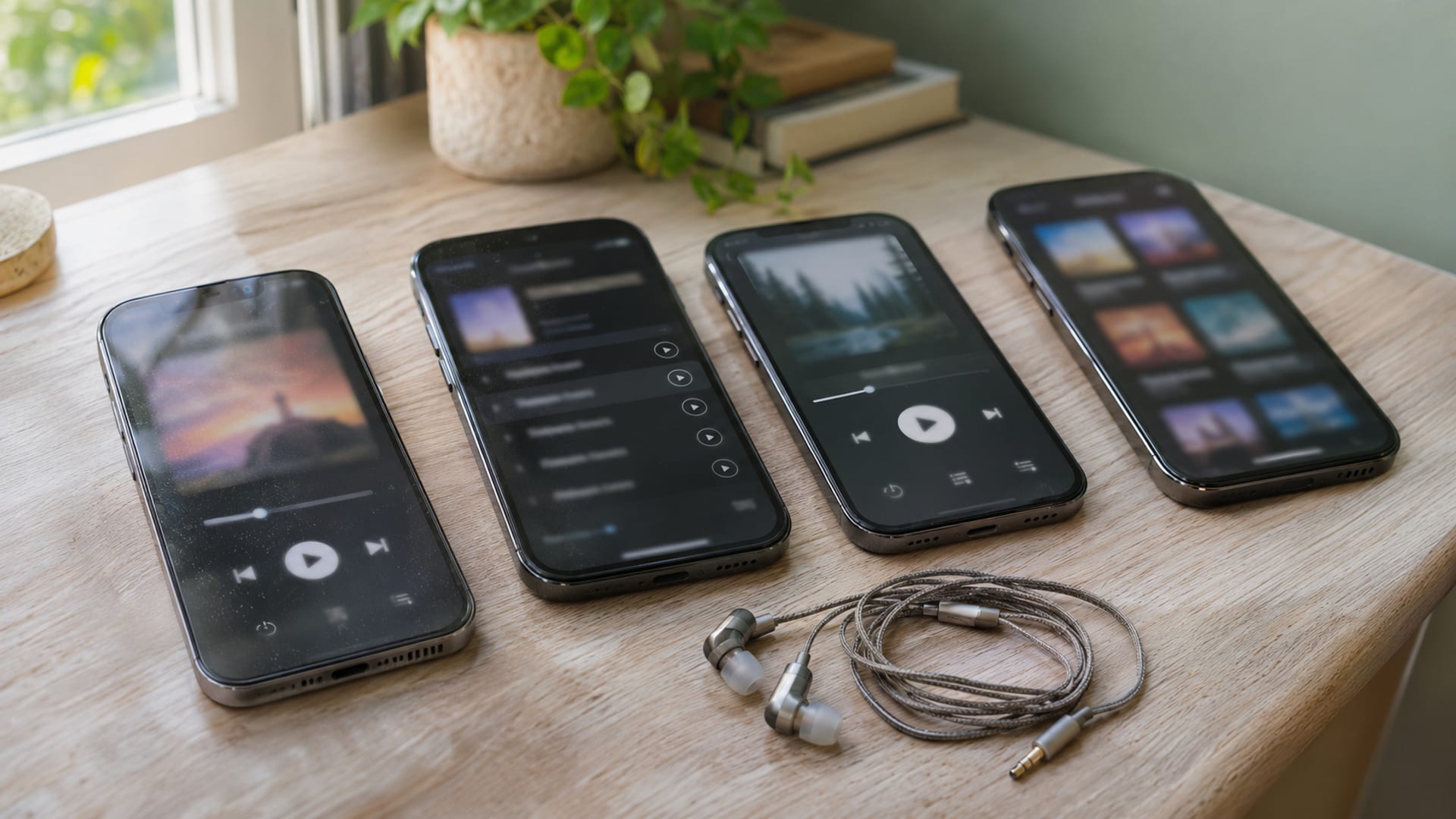
Audiobook apps work in three ways. Some sell each title to keep, some charge a subscription or give you a monthly allowance, and some lend titles through a library card or offer public-domain recordings at no charge. Which group an app sits in decides what you pay, what stays on your account, and what disappears when you stop.
I'm taking the three groups in that order, with what each app costs, how it sells or lends, and which devices it runs on. Prices are US prices as of November 19, 2026 unless I name another country. They change, so check the app's own page before you pay.

Apps that sell each audiobook to keep
These apps price audiobooks one title at a time, so there is no monthly commitment to track. Libro.fm adds a membership option on top.
Apple Books has no audiobook subscription. Audiobooks are priced one title at a time, and Apple lists thousands of free audiobooks as well. It plays on iPhone, iPad, Mac, Apple Watch, CarPlay and Apple Vision Pro. Apple does not list an Apple Books app for Android.
Google Play Books sells each audiobook at the price shown on the title. Google's help page says you can listen on Android, iPhone, iPad, a computer, Google Home and Google Assistant. The price varies by title and by country, so there is no single figure to quote.
Libro.fm sells audiobooks one at a time, through credit bundles and through memberships. Per its membership rules, a monthly membership gives one credit on an automatic charge, and an annual membership gives 12 credits up front. Credits apply to more than 600,000 audiobooks and never expire. Libro.fm prices vary by location, so use the Libro.fm page on what it costs in your area for your own number. It has iOS and Android apps and a browser web player, per its app help page.
Apps that charge a subscription or give a monthly allowance
Here the plan decides what you can listen to, and the details differ a lot from one service to the next. I'll go through Audible, Spotify and Everand in turn.
Audible
The US plans, as of November 19, 2026, per Audible's membership page:
- Standard is $8.99 a month after the trial. You get one audiobook each month from the full collection. Monthly selections do not roll over.
- Premium with one credit is $14.95 a month. It comes with one credit, unlimited access to the Plus Catalog of more than 150,000 titles, podcasts and member discounts.
- Premium with two credits is $22.95 a month.
- Premium annual plans are $149.50 for 12 credits or $229.50 for 24 credits.
Unused Premium credits roll over for up to 12 months. The membership page shows a 30-day free trial, and billing through the App Store or Google Play may show different prices. Audible's help page on Audible Plus lists a $7.95 a month plan with unlimited access to the included catalog and no credit; it is for current Audible Plus members only.
Audible works on Android 9 or later and on current supported iOS, with Alexa-enabled devices, Apple CarPlay and Android Auto, per Audible's compatible devices page.
Spotify
Spotify includes audiobook listening hours with eligible Premium plans. Spotify's US audiobooks page says Premium Individual includes 15 hours a month in the US, and its help page says the number of hours varies by country and renews each billing cycle. Premium Student does not include them.
Spotify counts your listening at the book's normal running time, so playing at 2x speed does not cut the hours used in half. Re-listening uses hours again. Spotify prices vary by country, and its US help page does not give the monthly Premium price, so look at your own country's Spotify support page before you plan around a figure.
You can also buy extra time. Spotify sells a monthly add-on called Audiobooks+ and one-time top-ups of listening hours, and a top-up lasts 12 months from purchase. Spotify runs on Android, iPhone and the web, and supports CarPlay and Android Auto, per Spotify's car help page.
Everand
Everand is subscription access rather than permanent purchase. Its US plans, per Everand's plans page:
- Standard is $11.99 a month after the trial, with one pick a month.
- Plus is $16.99 a month, with three picks.
- Deluxe is $28.99 a month, with five picks.
Each pick gives you one book for as long as you subscribe. Every plan also includes unlimited access to more than 20,000 selected audiobooks, ebooks and podcasts without using a pick. Everand describes access across devices and offline while you are subscribed. Confirm your phone or car system on Everand's own pages before you sign up.
Apps that lend through a library card, and free recordings
These cost the reader nothing directly. What changes is how long you keep a title and how long you might wait for it.
Libby is free through a participating public, academic or corporate library. You need a valid library card or library user ID. Per OverDrive's getting started help, you search the collection, select Borrow, and then stream or download for offline listening. If every licensed copy is in use, Place Hold puts you on the library's wait list, and Libby notifies you when the title is ready, subject to the library's settings. Libraries set the loan length and how many copies they license. Libby works on Android, Apple devices and the web at libbyapp.com, per OverDrive's Libby basics.
Hoopla is also free through a participating library card. Per Hoopla's borrowing help, audiobooks are generally borrowed for 21 days and return automatically, with no late fees. Instant titles have no wait list. Your library sets a personal monthly borrowing limit that resets each calendar month. Hoopla works on Android, iPhone and a computer browser, per Hoopla's own description.
LibriVox offers free recordings of public-domain books read by volunteers. It is not a general commercial catalog, so do not expect current bestsellers. LibriVox says its files are public domain in the United States but not necessarily everywhere, so check the rules in your own country. It plays on mobile devices and in the browser at LibriVox.org, per its listening page.
If free listening is what you came for, where to listen to audiobooks for free goes further. For the public-domain side, LibriVox vs Audible sets the two side by side.
What stays with you after payment ends
This is where the three groups differ most. What you keep depends on how the service describes your access.
- Audible Premium credit purchases stay with your account after you cancel. Standard monthly selections do not, and Plus Catalog titles end when membership ends, per Audible's cancellation help. Premium credits are covered in do Audible credits expire, and the plan differences in Audible Plus vs Premium Plus.
- Libro.fm says purchased audiobooks and unused credits remain after you cancel, per its cancellation help.
- Spotify's included Premium hours expire each month. A one-time audiobook purchase gives you continuing access on Spotify, but Spotify says the audiobook is not sold or transferred to the listener.
- Everand picks last for the length of your subscription.
- Libby loans end at the library's due date, and Hoopla titles return on their own after the loan period.
- Apple Books and Google Play Books sell single audiobooks and tie them to your account.
If you want files you can move to another player, the download terms matter. Libro.fm says its purchased audiobooks are DRM-free, delivered as MP3 files by track or as one M4B file you can import into a player you choose, per its download help. Borrowed Libby audiobooks, per Libby Help, cannot be transferred to MP3 players or iPods. For every other service, read the download terms before you buy.
Which devices each app runs on
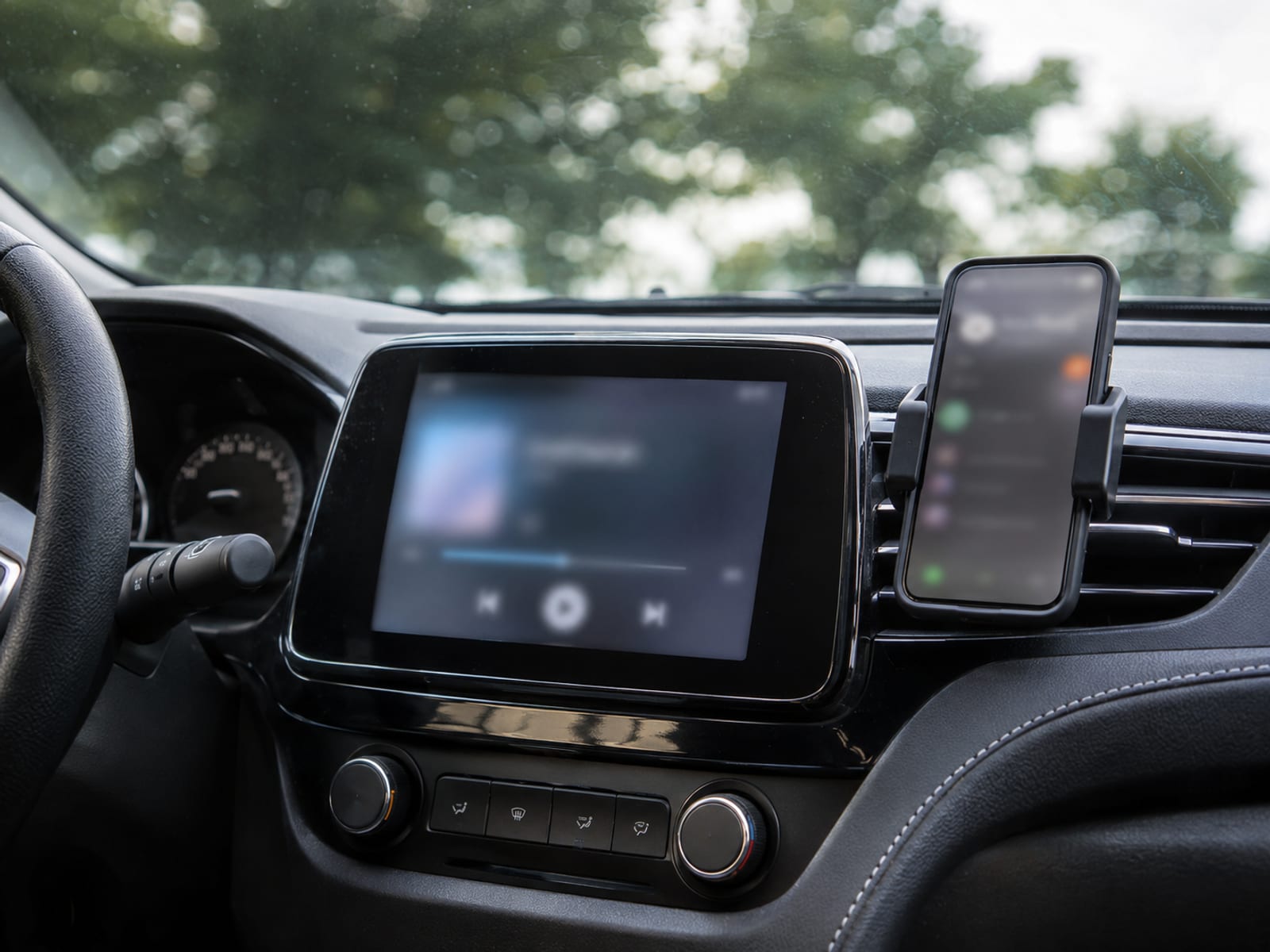
Device lists change over time. This is what each service states today:
- Audible: Android 9 or later, current supported iOS, Alexa-enabled devices, Apple CarPlay and Android Auto.
- Spotify: Android, iPhone and the web, with CarPlay and Android Auto.
- Libro.fm: iOS and Android apps, plus a browser web player.
- Apple Books: iPhone, iPad, Mac, Apple Watch, CarPlay and Apple Vision Pro; no Android app listed by Apple.
- Google Play Books: Android, iPhone, iPad, a computer, Google Home and Google Assistant.
- Libby: Android, Apple devices and the web at libbyapp.com.
- Hoopla: Android, iPhone and a computer browser.
- LibriVox: mobile devices and the browser at LibriVox.org.
Before you subscribe or buy, confirm your exact phone, car system or voice assistant on the service's own help page.
Quick answers
Short answers to four questions about owning, buying and borrowing.
Do I own my Audible books forever?
Premium credit purchases stay with your account after you cancel, per Audible. Standard monthly selections and Plus Catalog titles do not, so what you keep depends on how you got the title.
Will I lose all my audiobooks if I cancel Audible?
Not necessarily. Audible says Premium credit purchases stay, while Standard monthly selections and Plus Catalog titles end with the membership.
Can I buy just one audiobook?
Yes. Apple Books, Google Play Books and Libro.fm all sell single audiobooks, each at its own price for the title.
Where can I listen to audiobooks for free?
A participating library card gives you free borrowing through Libby or Hoopla. LibriVox offers free public-domain recordings, with the country caveat above.
Where to go next
If your next question is what Audible's credits do over time, do Audible credits expire answers it with the plan details.
By Cal Hewitt. Published .