
How It Works
How to Get Into Audiobooks When Your Mind Keeps Drifting
Want to get into audiobooks but your mind drifts? Start short, play a sample, adjust the speed and use a library card with Libby or a Playaway to try it free.
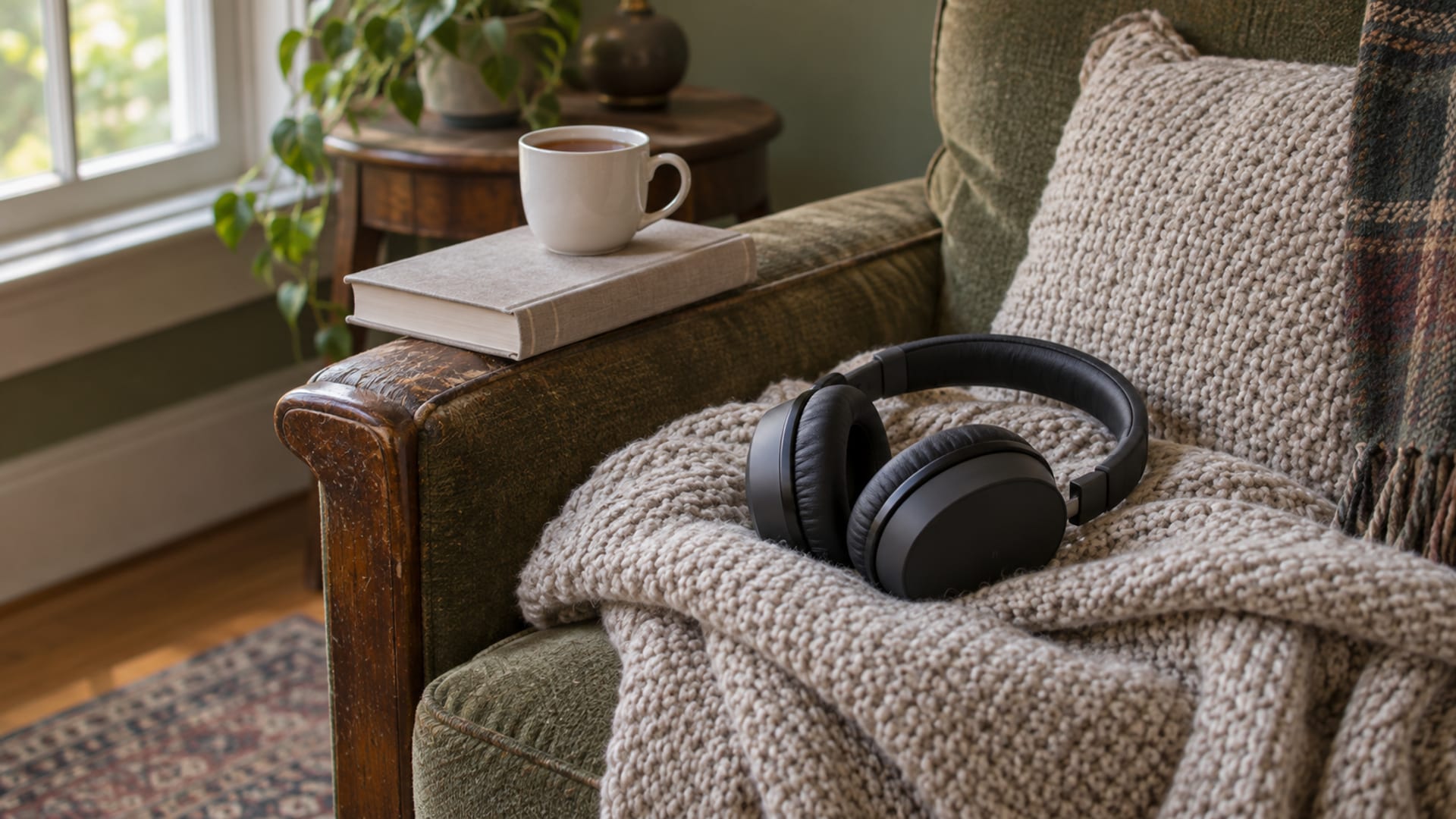
A mind that drifts on a first audiobook is usually a setup question, and the adjustments are small. Pick something short or something you already know, play a sample before you commit, set a speed that feels easy, and match the book to what your hands and eyes are doing. Below are those options in that order, each with its limit beside it, followed by free ways to try the format and simpler tools if the apps feel fiddly.
None of this is a promise that a setting will work for you. These are things to try, and each one is cheap to test.
Start small and set it up to suit you
Penguin Books, in its beginner's guide to listening to audiobooks from November 2021, suggests starting with a short story or an anthology instead of a long novel. It also suggests listening to a book you have already read and enjoyed, trying a narrator's sample before you buy, and trying different genres. A familiar book means you spend less effort tracking the plot, so more of your attention is free for getting used to listening. The limit is that a book you already know is a way to test the format, not a way to find a new favorite.
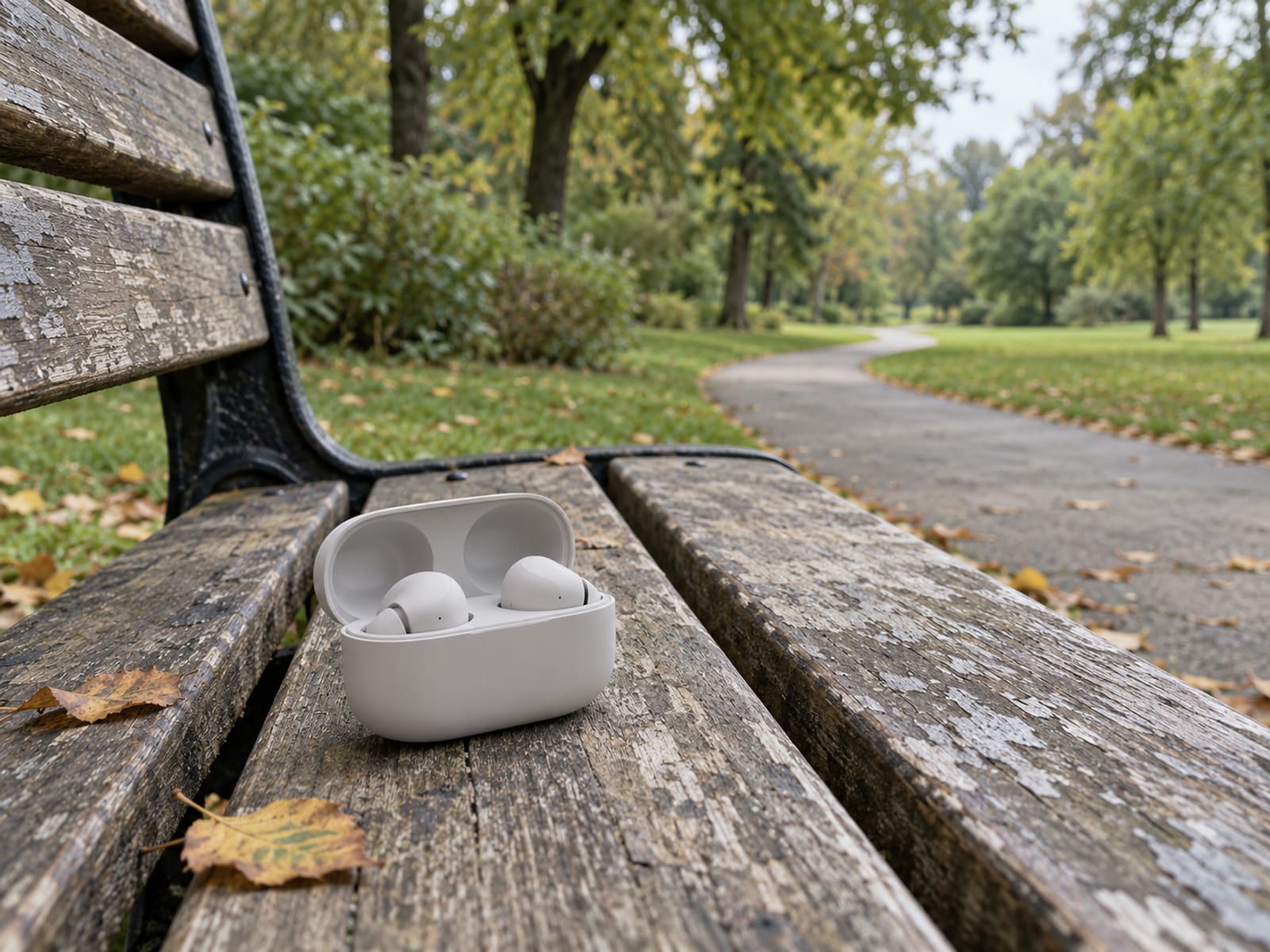
The same guide suggests headphones if speakers make it hard to concentrate. Headphones cut competing sound and give a cleaner signal. A speaker at home is simpler to set up, but a smart speaker is less private and needs power and an account.
The sample matters more than it seems. A few minutes tells you whether the voice, the pace and the way names are pronounced suit your ear. If a narrator grates in the first two minutes, that is useful to know before you spend a credit or a loan. If you want to know whether a recording is a human voice or a synthetic one before you play it, I cover that in how to tell if an audiobook is AI-narrated.
On speed, the National Literacy Trust, in its tips on listening to an audiobook, suggests a listening speed that feels easy to follow. No single speed is correct. A faster speed may help some people hold the thread, while a slower one may suit dense prose, unfamiliar names or complicated explanations. Change it a little at a time and see how the next chapter feels. The detail is in what speed to listen to audiobooks.
Match the book to what you are doing
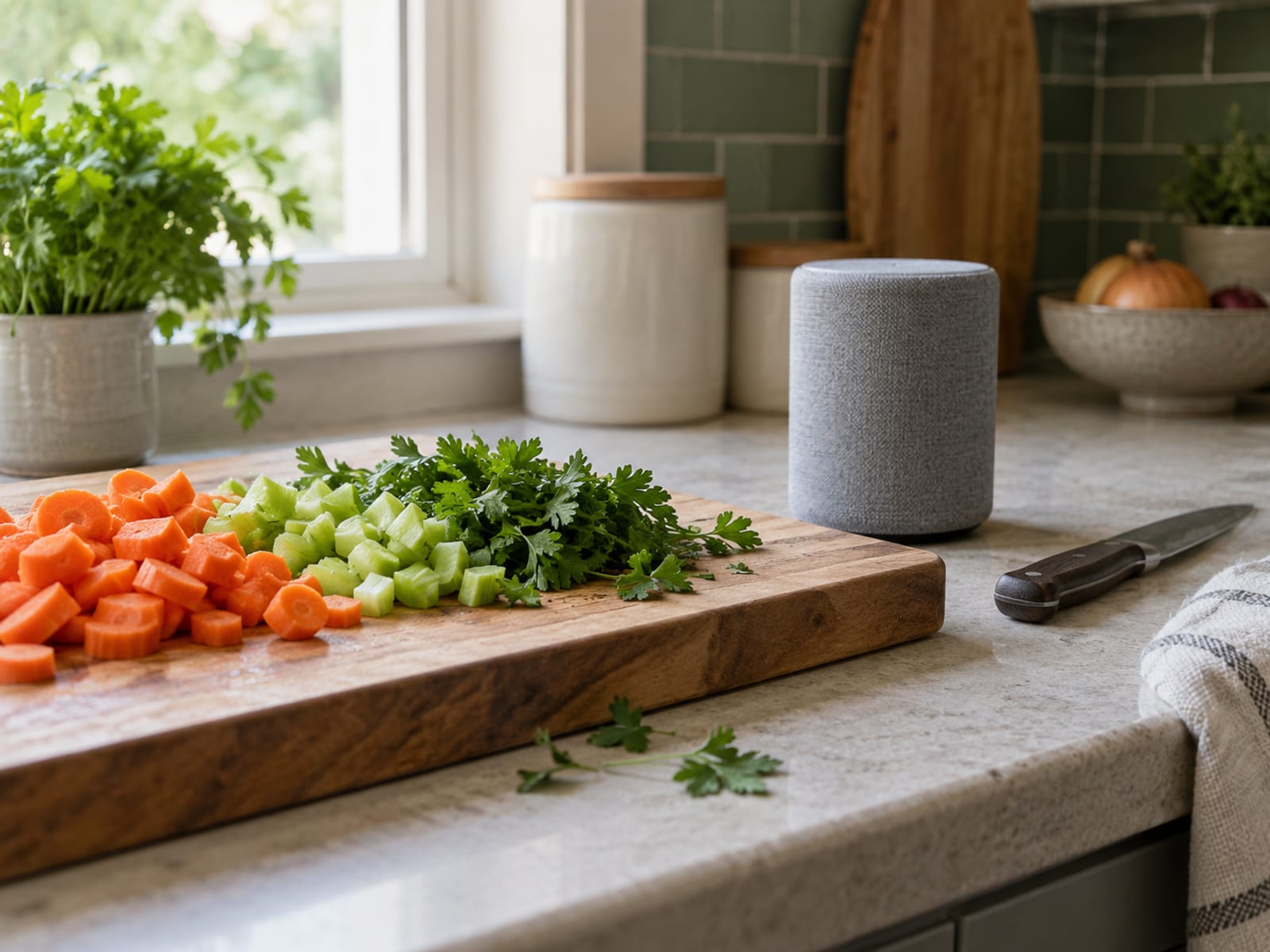
Penguin lists cooking, exercise, chores, travel and driving as everyday settings for listening. The National Literacy Trust pairs listening with a simple activity such as walking. What those have in common is that your hands are busy and your mind is not.
Work that needs real thought is a poor match for a book that needs real thought. Both compete for the same attention. If you are trying a first audiobook while answering email, a drifting mind is not a surprise. A light, familiar or short book fits busy hands better than a dense one, and a dense one may fit a quiet chair better than a walk.
Why a drifting mind is ordinary
Attention wanders while listening and while reading. Three named studies show different parts of this, and each has limits worth knowing.
Varao Sousa, Carriere and Smilek, in a 2013 study in Frontiers in Psychology, had 211 analysed University of Waterloo students meet short passages in three ways: silent reading, reading aloud and listening to a recording. Listening produced more reported mind-wandering than either reading condition, and poorer results on a recognition test afterward. The passages were short experimental ones, not full audiobooks, so the study speaks to a tendency and not to what will happen to you on a novel you love.
A 2018 study in Cognitive Research: Principles and Implications compared audiobook listening in a laboratory with listening outdoors. Participants heard a 14-minute excerpt. The outdoor listeners reported more distraction from sights and sounds and did worse on a memory test. Because it used a short excerpt and a memory test, it supports a quiet setting when the material needs close attention. It does not show that walking ruins leisure listening.
Mézière and colleagues, in a 2026 study in Consciousness and Cognition, ran two audiobook-listening studies with 63 and 58 participants. They identified recurring patterns of immersion and mind-wandering while people listened to a novel recording.
The plain takeaway from all three is that listening, like reading, leaves attention open to your own thoughts and to noise around you. The format alone does not guarantee concentration, and a wandering mind on a first try is not a sign that audiobooks are not for you. These studies say nothing about ADHD, memory conditions or learning, so they do not answer questions in those areas either way.
Free ways to try audiobooks
The cheapest way to find out whether listening suits you is to borrow, so a failed first try costs nothing.
Libby. You need a library card from a library that uses OverDrive. According to Libby's help pages, the app and the loans are free, and you can stream a book or download it for offline listening. Libby sends a notification when a hold arrives. The limits are set by your library: loan periods and borrowing limits vary, and how long you wait depends on the library's copies and queue. Look at the wait shown on the title in the app before you pick.
Hoopla. Hoopla is free with a card from a participating library. The catalogue and the monthly borrowing allowance depend on the library, so ask the library which limit applies to your card.
BorrowBox. BorrowBox needs membership of a participating public library and your library PIN. It is free with the membership. If a title is unavailable you can reserve it and get an email or app notice when it is ready.
LibriVox and other public-domain recordings. LibriVox is volunteer-read, free and ad-free, so the narration quality varies from one recording to the next. Its public-domain guidance says a book's public-domain status can differ by country, so a title that is free in the United States may still be protected where you live. Project Gutenberg's audio collection includes both human-read and computer-generated recordings, and Gutenberg Aloud describes audiobook files generated locally from public-domain texts. These suit a test of the habit more than a favorite narrator.
Trying before buying on paid services
These offers change, and what follows is as the pages read on 1 October 2026. Eligibility can vary by account and country, so confirm the terms when you sign up. I am not ranking these; Audible and Libby are simply two routes, one paid with a trial and one free.
- Audible US. Audible's US page states a 30-day free trial for new members, then Standard at $8.99 a month or Premium Plus at $14.95 a month. The trial converts to a paid membership unless you cancel. Title pages have listening samples.
- Libro.fm. Per its membership help page, a monthly membership gives one credit that does not expire and 30% off additional purchases. Look at the individual title listing for a sample before you buy.
- Spotify. Spotify says, on its audiobook help page, that title pages let you play a sample first. Eligible Premium plans include 15 audiobook hours a month, and those hours expire at the end of the billing period. Its US Premium page showed a one-month trial for people who had not tried Premium before.
- Apple Books. Per Apple's support page, you can preview an audiobook before buying, and some free titles marked Get vary by region. It is a store, not a subscription trial.
Whichever you pick, play the sample first. That costs nothing and answers the narrator question before money changes hands.
Simpler tools if apps feel fiddly
If touch screens and apps are the obstacle, a few options skip them.
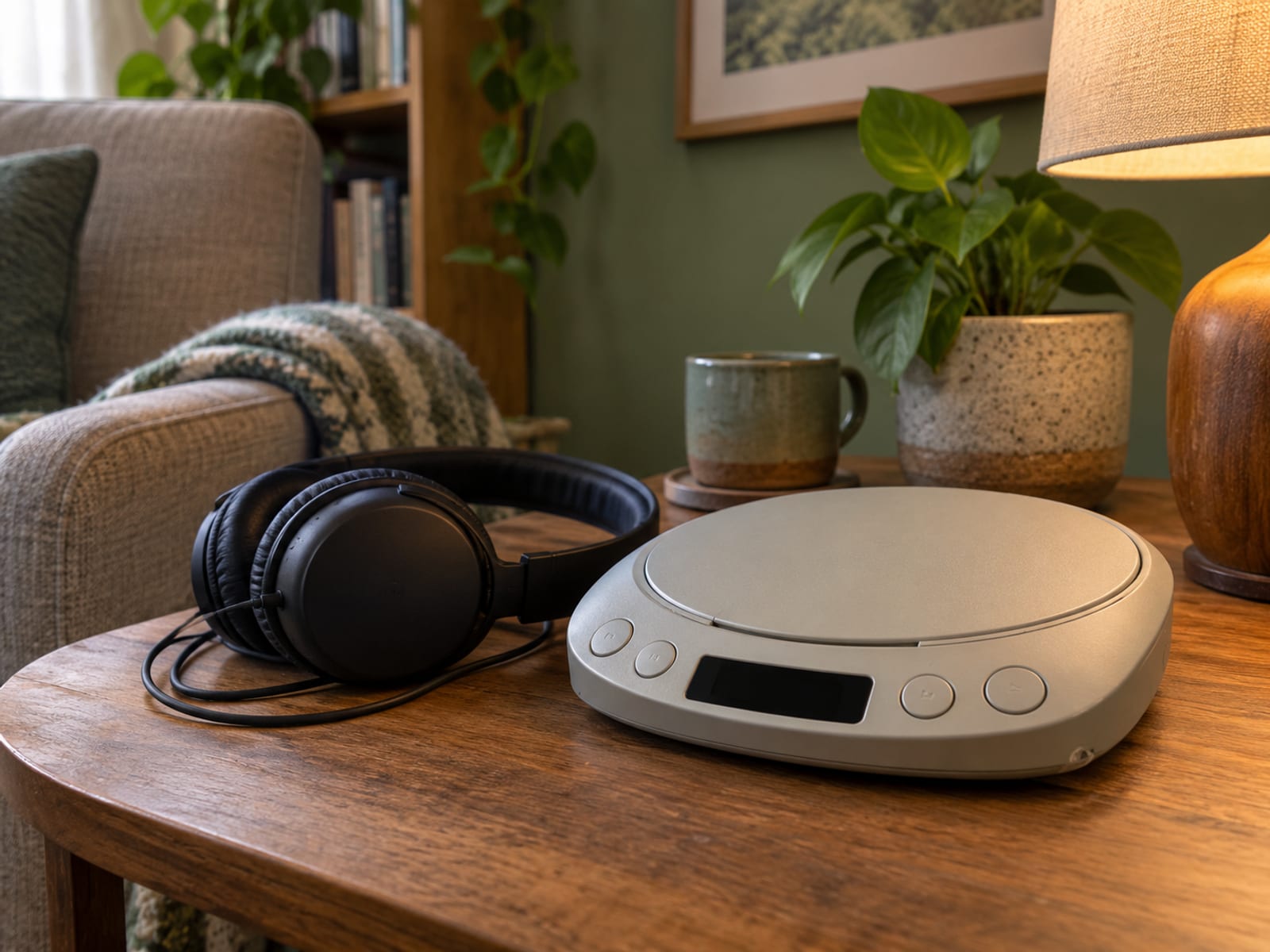
Playaway. Playaway is a pre-loaded device that holds one audiobook. It needs no internet, no downloads and no app, and it has simple tactile buttons. Its format benefits sheet describes the design, and the product page cites more than 30,000 titles. You usually borrow one from a participating library, and which models and titles are available depends on the library.
CDs from the library. A CD needs no app, no account and no internet. Many libraries still lend them, though the selection varies.
Alexa with Audible. Per Audible's Alexa help page, you need an Alexa device and the same Amazon account as your Audible library. Voice commands include "Alexa, read my book," pause, resume, "go back," "next chapter" and "stop reading in" a number of minutes. Alexa remembers your place, and "go back" rewinds 30 seconds by default. Audible states that Alexa does not support bookmarks or clips.
Before you buy any separate player, ask your library about Playaway, CD lending or accessible players. Button layout, storage and power vary by product, and a library may let you try one first.
The controls that fix the fiddly part
Most frustration comes down to three controls: a sleep timer, a way to save your place and a skip-back button for when you lose the thread. Here is what each service documents. Features change with app updates, so check the app for anything marked as varying.
- Libby. Sleep timer with presets and a custom timer from 5 to 120 minutes, per Libby's sleep timer help page. Bookmarks and skip-back interval: varies by app version, check the app.
- Audible. Timers, bookmarks and clips of 5 to 44 seconds, and a skip interval you can customise, per its help pages on the timer and listening in the app.
- Spotify. A sleep timer and a 15-second skip back and forward, per the audiobook help page linked above. Bookmarks: varies by app version, check the app.
- Apple Books. A sleep timer, bookmarks, and skip intervals you can change in settings, per Apple's guides for iPhone and Mac.
- Alexa with Audible. You can ask it to stop after a set number of minutes, "go back" rewinds 30 seconds by default, and it does not support bookmarks.
The skip-back button is the one I would learn first. When your mind drifts for a minute, a quick jump back to the last part you followed is easier than hunting through a scrubber bar.
Common questions
Why is it so hard for me to listen to audiobooks? Attention drifts while listening and while reading. The 2013 Frontiers in Psychology study found more reported mind-wandering during listening than during reading on short passages, and the 2018 study found more distraction outdoors than in a quiet room. Try a short or familiar book, a quiet setting and a speed that feels easy, then adjust one thing at a time.
Is it hard for people with ADHD to listen to audiobooks? The studies cited here do not address ADHD, so they make no claim either way. The same setup options apply: a short or familiar book, a quiet setting, an easier speed and a skip-back button. If attention is a wider concern in your life, a qualified professional is the right person to ask.
What is the easiest way for seniors to listen to audiobooks? A Playaway or CDs from the library need no app and no internet, and Alexa with an Audible library lets you use your voice. Ask the library first, because lending, models and titles vary.
What is the easiest first audiobook? Penguin suggests a short story or an anthology, or a book you have already read and enjoyed. Play the sample before you start.
Choosing a narrator before you start
Once you have picked a book and a way to listen, the sample is where you find out who is reading it. If you want to know whether that voice is a person or a synthetic one, start with how to tell if an audiobook is AI-narrated.
By Cal Hewitt. Published .